Creating A Project
Pick a project name. Everywhere that we use “firething”, replace that with your project name.
- Create a new project in the Firebase panel using your project name
- Get necessary config for project:
- Go to
AuthenticationTab - Click "Web Setup" in the top right corner
- Go to
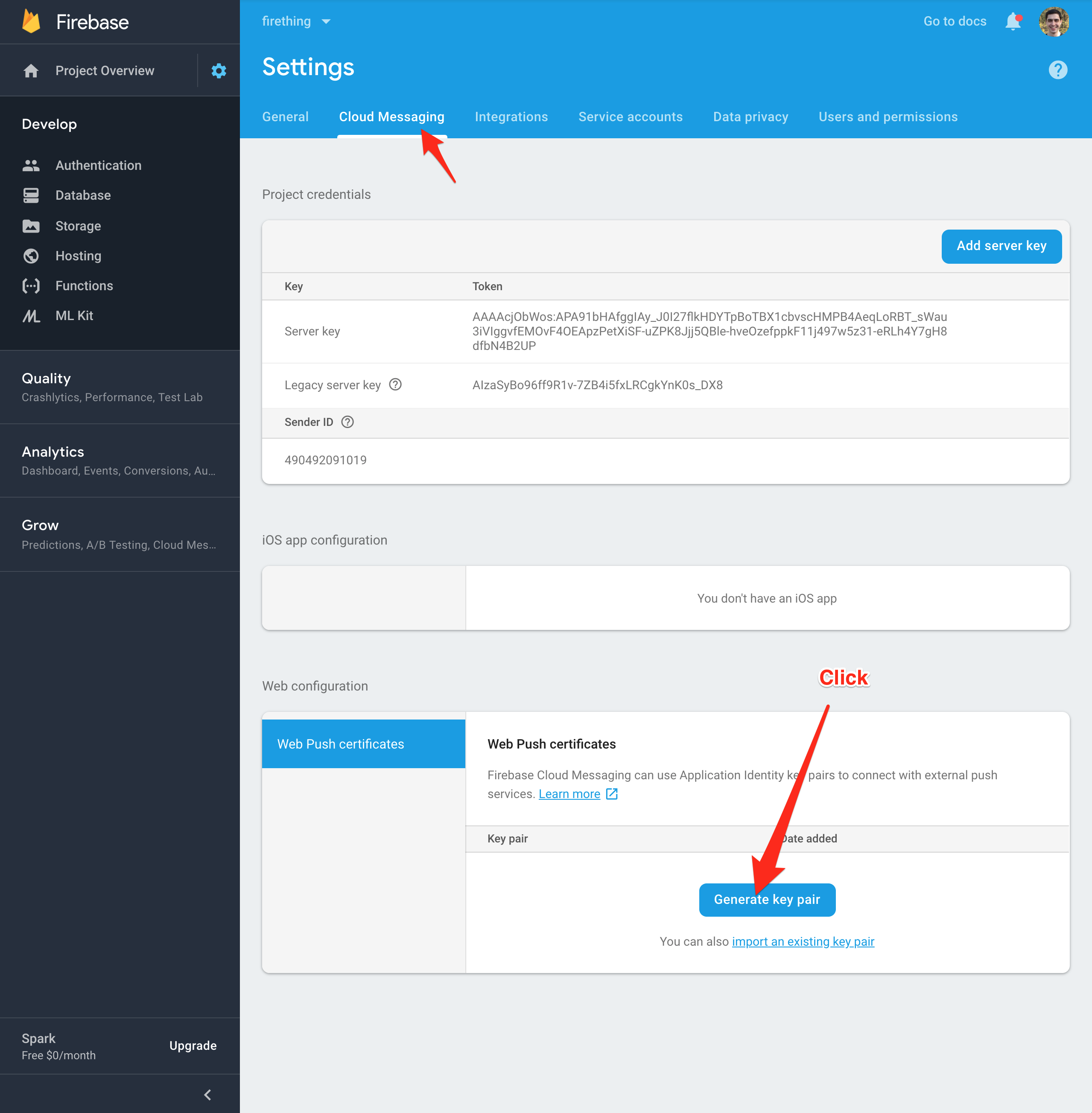
Project Settings > Cloud Messaging - Click "Generate Key Pair"
- Create a project folder then enter the new folder by running: mkdir myProject && cd myProject
- Now call the generator we installed through yeoman: yo react-firebase
- Answer the prompts:
- Github Username - Your Github Username (leaving it blank will default to "testuser")
- Firebase projectId - Project Id from Firebase config
- Firebase apiKey - API Key from Firebase config
- Include redux for local state-management? - Yes (default)
- Use Firestore? - Yes (default)
- Other Features To Include - All features (default)
- What provider which you like to use for CI? - Gitlab (default)
- What service are you deploying to? - Firebase (default)