WUProxy Troubleshooting ‐ 0x800B0001
This error is caused because a file or a HTTPS connection uses a certificate that is:
- Not located in the Trusted Root Certification Authorities of the computer
- Not signed by Microsoft.
- Run mmc.exe.
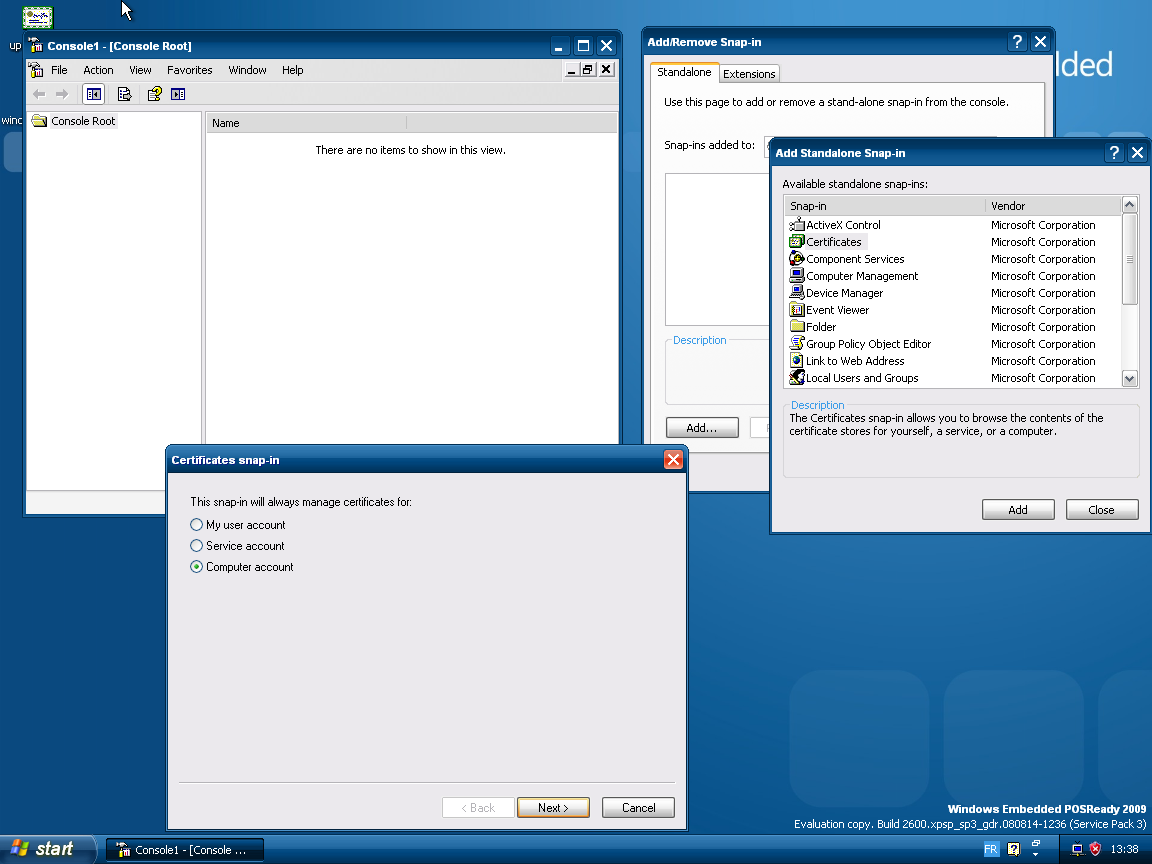
- Inside of MMC, do Console and Add/Remove Snap-in.
- Press the Add button inside of the Add/Remove Snap-in window.
- Inside of the Add Standalone Snap-in window, select Certificates and click on Add.
- Inside of Certificates snap-in, be sure to check Computer account, then leave every settings as default and complete.
- Once the Snap-In is added, go to the tree, expand Certificates (Local Computer), then Trusted Root Certification Authorities.
- Click on the Certificates element in the tree, under Trusted Root Certification Authorities.
- Scroll down until you see the certificate "update.microsoft.com" issued by update.microsoft.com (self-signed certificate).
IMPORTANT: Please only use the links present in this troubleshooting page as they are download links for specific versions of the agent. All these links point to a Microsoft official website, you can check them by yourself.
- Download the agent version for your machine.
[Windows Update Agent V3.0 - Windows Vista]
[Windows Update Agent V3.0 (X64) - Windows Vista]
[Windows Update Agent V3.0 (IA64) - Windows Vista]
- Run it with the /uninstall command.
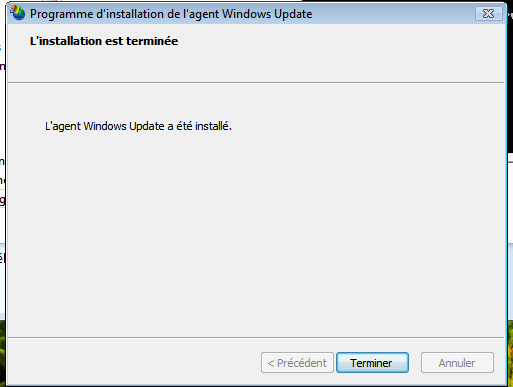
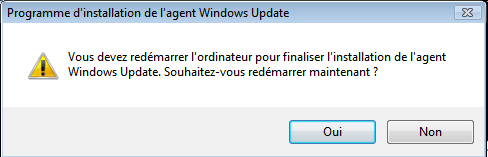
- Once it is done uninstalling, when you will exit it will probably ask you to restart. If it does, it means that you have most likely fixed the issue.
After the restart, if you search for updates, it should tell that it will update the agent. If it does, you have fixed the issue, if it does not, please submit an issue here.
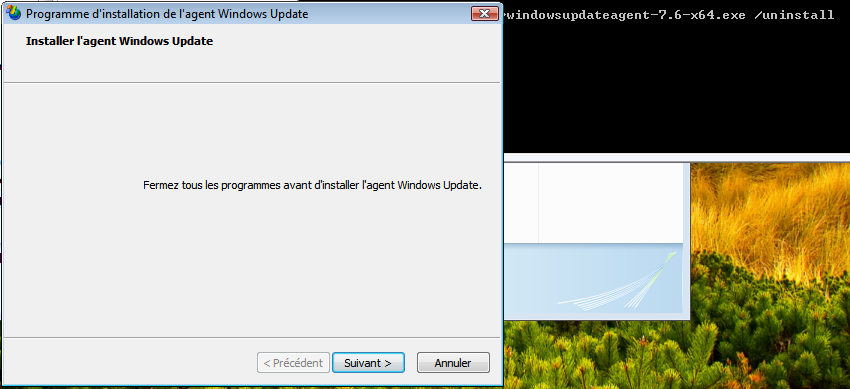
- Download the agent version for your machine.
[Windows Update Agent V3.0 - Windows XP]
[Windows Update Agent V3.0 (X64) - Windows XP]
[Windows Update Agent V3.0 (IA64) - Windows XP]
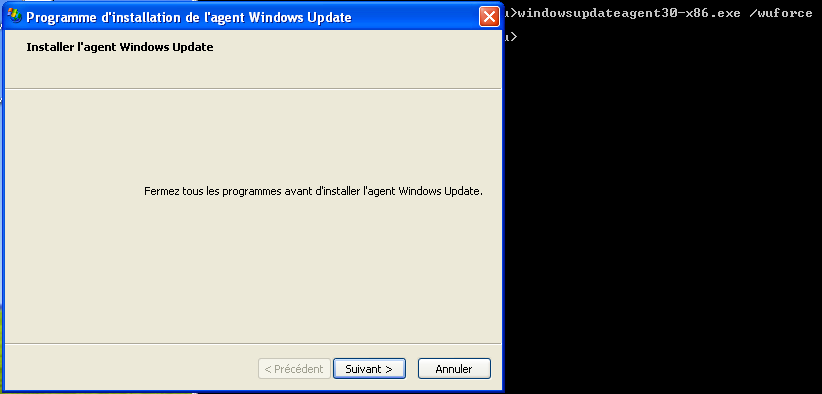
- Run it with the /wuforce command.
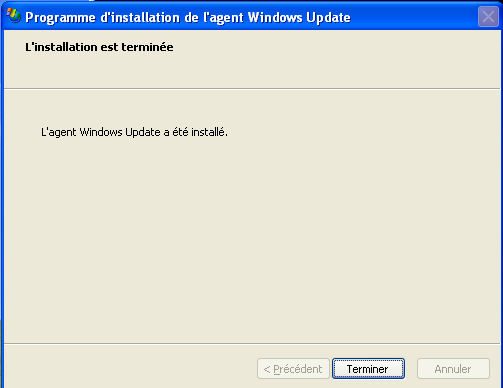
Check if you can search for updates. If you can, you have fixed the issue, else please submit an issue here.