This is a web application that can be used for designing and managing workflows. It is built using ReactJS and reactflow, and it also uses a mock API for data retrieval.
Instructions for installing the project. To get started with this project, follow these steps:
Clone the repository: git clone https://github.com/rajeshds20/WorkFlow-Designer.git
Navigate to Project Directory cd WorkFlow-Designer
Install the dependencies: npm install
Create Many fWorkFlows and also Modules for each WorkfLow. Fetch Modules from Server and Make WorkFlows Create and edit workflow diagrams with nodes and edges Save and load workflows from the server Use the mock API for testing and development purposes
Instructions for using the project. Running the Application
- Clone the repository: `git clone https://github.com/yourusername/your-project.git``
- Navigate to the project directory:
cd your-project - Install dependencies:
npm install - Start the application:
npm startUsing the Application - Once the application is running, open your web browser and navigate to
http://localhost:3000. You should see the home page of the application.

- Select any WorkFLow to Move Forward and create WorkFLow Design

- Once You click on any WOrkFlow specified, You will be redirected to a Page where the modules related to that workflow and canvas to design the workflow are present.

- In canvas there will be one default input node, it is starting point for the workflow.
- We can drag and drop the modules from the left section/sidebar and drop them into canvas to design a workflow.
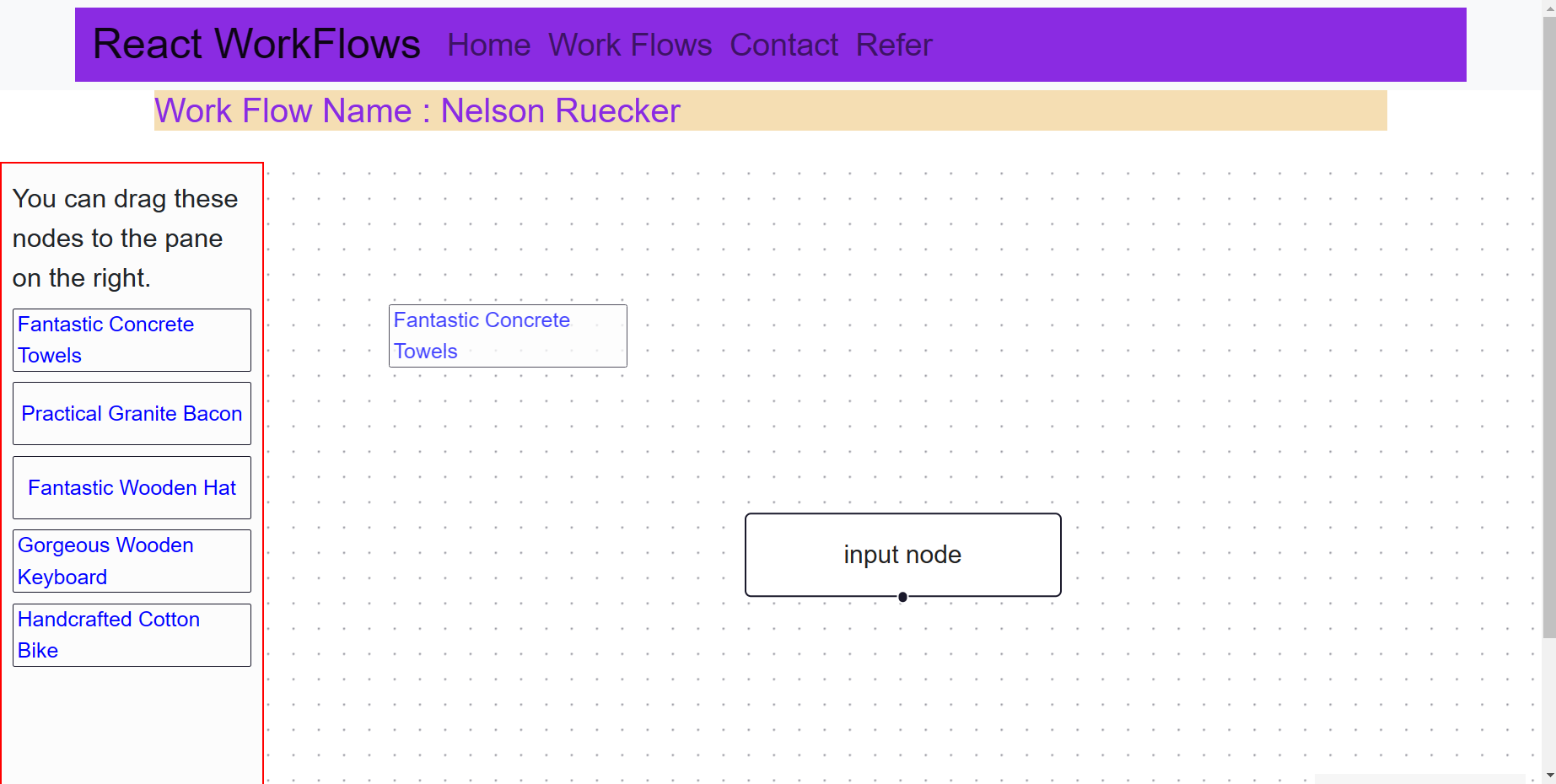
- Each module block will become a node in workflow after dropping them into the canvas.

- We can also add edges from a node to other node by linking press, hold and connecting edge centres of each node.
- These edges are Directed edges denoting the workflow order and structure.
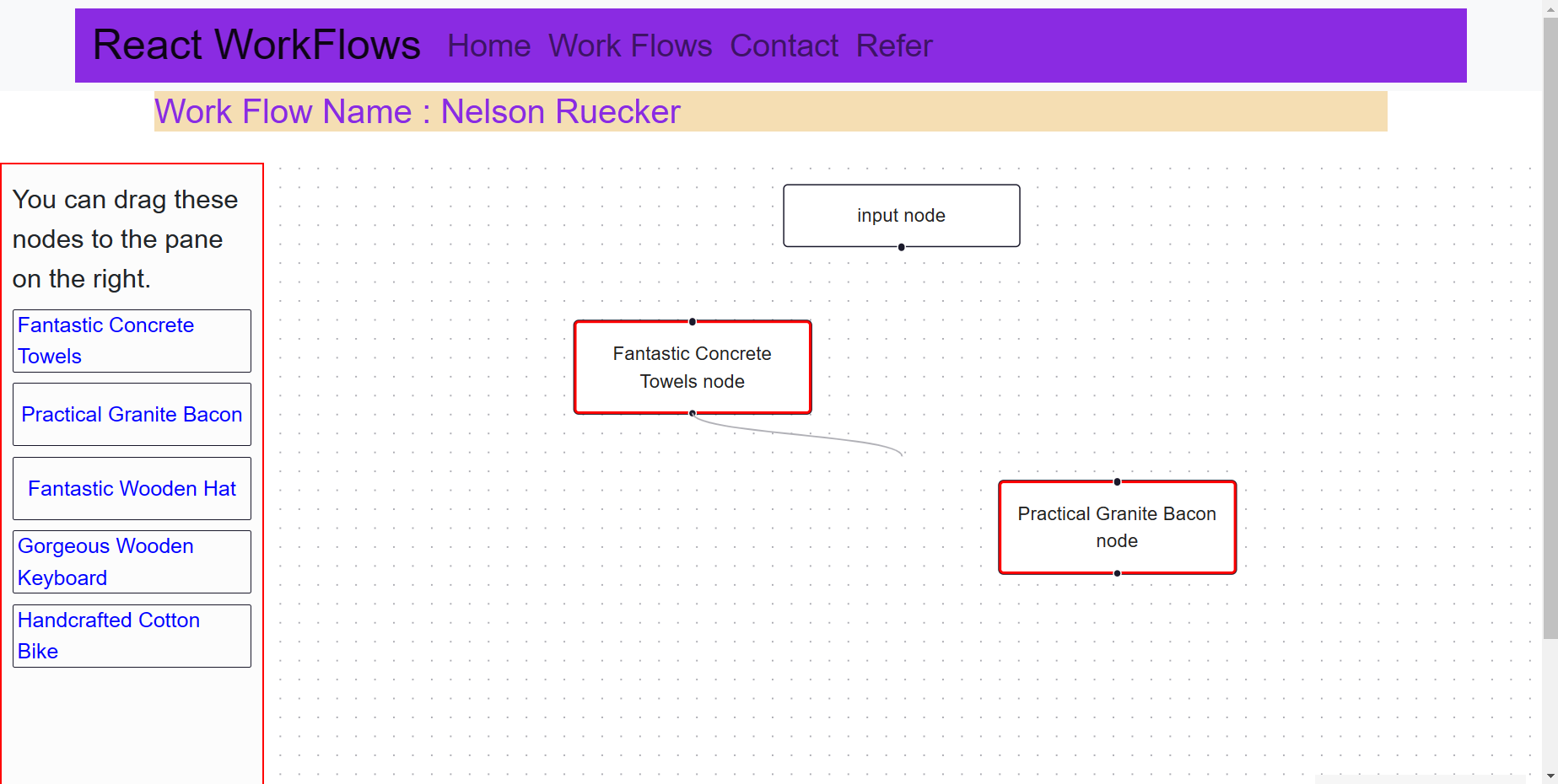
- We can also delete nodes by selecting and pressing key from keyboard. Also we can delete edge using the same key.

- We can Complete our required workflow design using these steps specified.
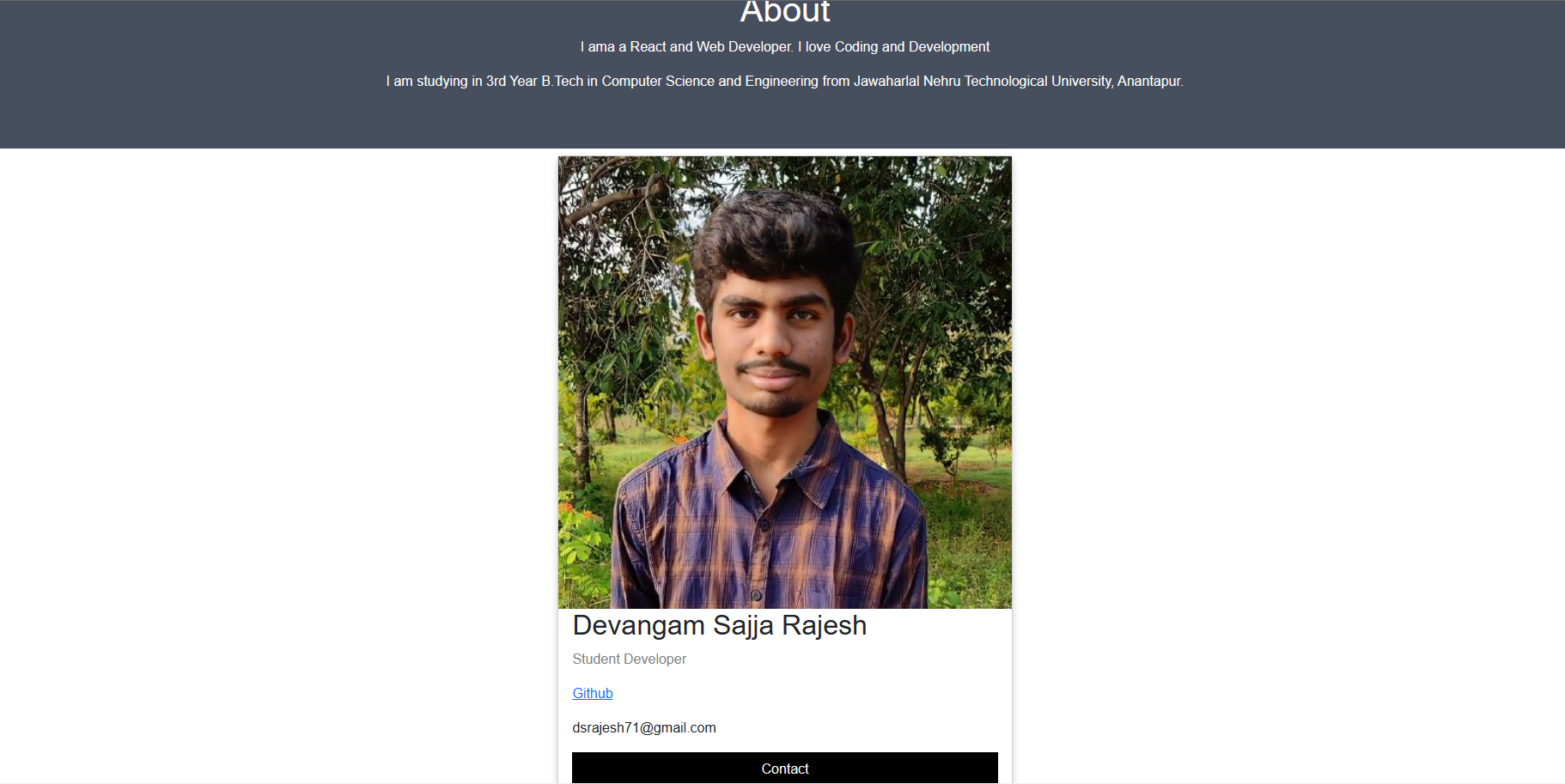
- You can Contact you from Contact Page and from Send me an email!
Instructions for contributing to the project. If you want to contribute to this project, please follow these steps:
Fork the repository Create a new branch: git checkout -b https://github.com/Rajeshds20/WorkFlow-Designer/tree/dev/ Make your changes and commit them: git commit -am 'Added some feature' Push to the branch: git push origin https://github.com/Rajeshds20/WorkFlow-Designer/tree/dev/ Create a pull request